Annature integrates with Azure Active Directory (Azure AD) so your team can manage user access and security in one place. Single sign-on (SSO) lets staff log in to Annature with their Azure AD credentials, cutting down on password fatigue and reducing security risks. You can also auto-provision user accounts, making onboarding and offboarding simple and secure.
Connecting Annature with Azure Active Directory gives your organisation centralised control over who can access Annature and how they sign in. Staff use the same credentials they already know, and new accounts are created automatically the first time a user logs in. You can also assign Azure AD groups to Annature groups, so users land in the right team from day one.
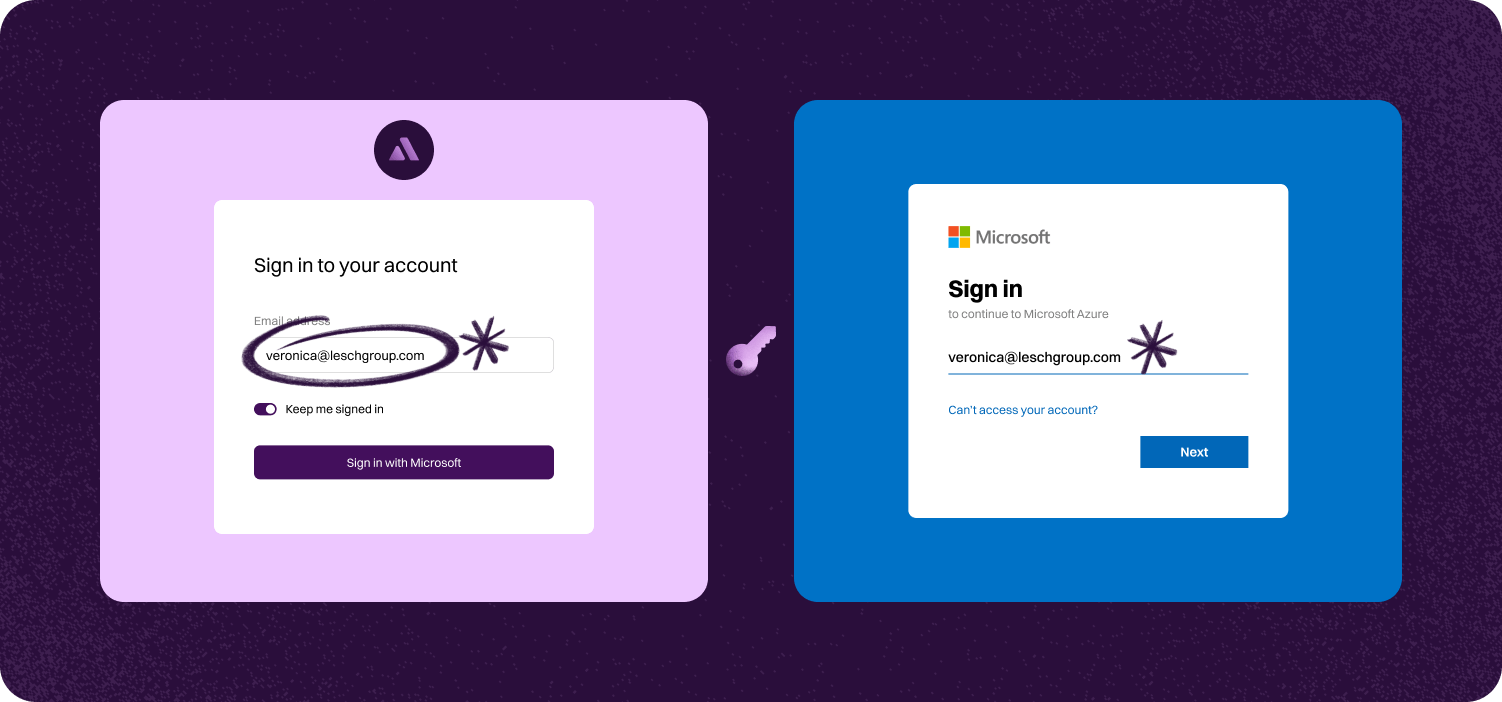

Single sign-on (SSO) lets staff log in to Annature using their Azure AD credentials. This helps reduce password fatigue and lowers security risks.
When a user logs into Annature for the first time, their account is created automatically. Assign Azure AD groups to Annature groups so users are placed in the right team straight away.
Staff can log in to Annature with the same credentials they use for everything else. No need to remember another password or manage separate accounts.
Step-by-step guide to linking account.

Setting up SSO with Azure is a breeze for your IT team and takes just a few minutes. Once set up, your staff can log in using their existing Microsoft accounts in seconds. Plus, team member accounts can be auto-provisioned on their first login, and Annature groups can be automatically assigned based on your Azure configuration.
To get started, go to settings > integrations and click configure. Annature will provide you with documentation and guide you through setting up Azure AD as your Identity service provider.


Annature integrates with Xero, Xero Practice Manager, Xplan, HubSpot, Zoho CRM, Close CRM, MYOB Practice Management, FYI, Worksorted, Mailchimp, Pinch Payments, and more. We're continually expanding our integration network.
Yes. Our integrations are designed to be straightforward, so you can connect your tools without needing IT expertise.
Yes. Our API lets developers build custom workflows and embed Annature directly into their own systems.
Yes. Annature has pre-built integrations with platforms like HubSpot, Zoho CRM, Close CRM, Xero Practice Manager, Xplan, and more. You can also use the API to build custom connections.
Schedule a free product demonstration with someone from our friendly on-shore sales and support team to learn more about Annature and our platform.
“Annature quite quickly became the first on the list to recommend to all my clients because of how well it worked for us. It looks beautiful. It’s easy to use. It scales properly on the phone.”